


Installation Guide
Device Installation for Solar Protective Devices (SPD) & Measurement Units
Step 1: Select Installation Location
- Install the protective device near the solar inverter or combiner box for effective surge protection.
- Measurement devices (energy meters, data loggers) should be installed in a clean, dry, and accessible panel or enclosure.
- Ensure enough clearance for wiring and future maintenance.
Step 2: Mount the Device
- Use screws or DIN rail mounting as per device design.
- Secure firmly to avoid vibration.
- Maintain proper orientation as per manufacturer instructions (e.g., upright position).
Step 3: Power OFF System
- De-energize solar PV system and associated panels before installation.
- Verify zero voltage with a multimeter before working.
Step 4: Wiring Connections
- Follow wiring diagram exactly
- Connect L (Live/Positive), N (Neutral/Negative), and PE (Protective Earth/Ground) terminals properly.
- For SPDs, connect DC + and DC - from PV panels to the device input terminals.
- For measurement devices, wire according to terminal markings for voltage and current inputs.

CT (Current Transformer) Installation & Programming
CT Installation
- Place the CT on the conductor (usually AC output from inverter or DC string cable) that carries the current you want to measure.
- Orientation matters! The arrow on the CT must point in the direction of current flow (from source to load).
- Secure CT firmly without gaps or movement.
- Connect the CT secondary leads (usually two wires) to the meter or protective device CT inputs.
CT Wiring Notes
- Use shielded twisted pair cables if possible to reduce interference.
- Do not leave CT secondary open-circuited when primary is energized — this can cause dangerous voltages.
CT Programming in the Measurement Device
- Enter the CT ratio into the device’s settings, e.g., if CT rating is 200:5 (200A primary current corresponds to 5A secondary current), input as 200 (primary current rating).
- Set the CT wiring mode if applicable (e.g., 1-phase or 3-phase configuration).
- Verify that the measured current matches expected values.
PT (Potential Transformer) Installation & Programming
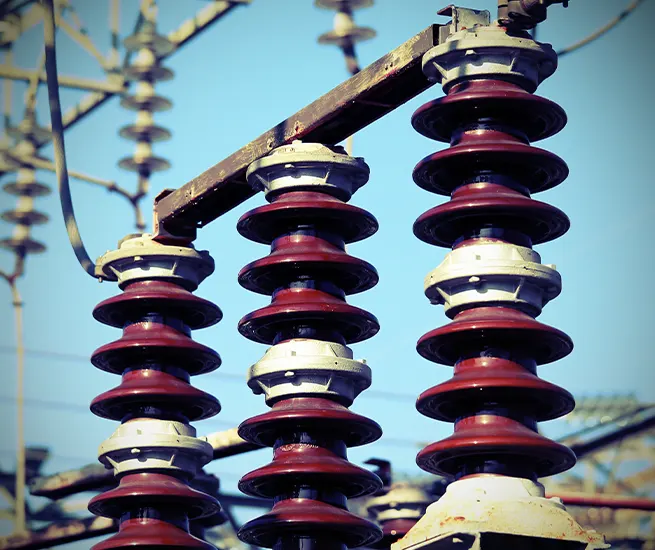
PT Installation
- PTs step down high voltage from the solar system for safe measurement.
- Connect PT primary to the high voltage side (e.g., inverter output or grid connection point).
- Connect PT secondary to the device voltage input terminals.
- Ensure proper grounding of PT neutral/earth terminal.
PT Wiring Notes
- Follow polarity marks (P1, P2 for primary; S1, S2 for secondary)
- Use correct wire gauge for the PT leads.
- Maintain physical separation from CT leads to reduce interference.
PT Programming in the Measurement Device
- Input the PT ratio into the device settings, e.g., if PT is 1000:120, enter 1000 as primary voltage.
- Confirm voltage measurement mode (line-to-line or line-to-neutral) matches system wiring.
- Calibrate voltage readings if needed, based on known voltage references.
Additional Programming Tips for Measurement Devices
- Set system frequency (usually 50 or 60 Hz).
- Configure alarm thresholds for overcurrent, overvoltage, or surge events.
- Enable data logging or communication protocols (Modbus, etc.) if device supports it.
- Perform calibration checks using reference instruments after installation.
Safety Notes
- Always isolate the circuit before working.
- Use insulated tools and wear PPE.
- Follow local electrical codes and standards.